Download NetPlay APK for PC – Free Download and Install
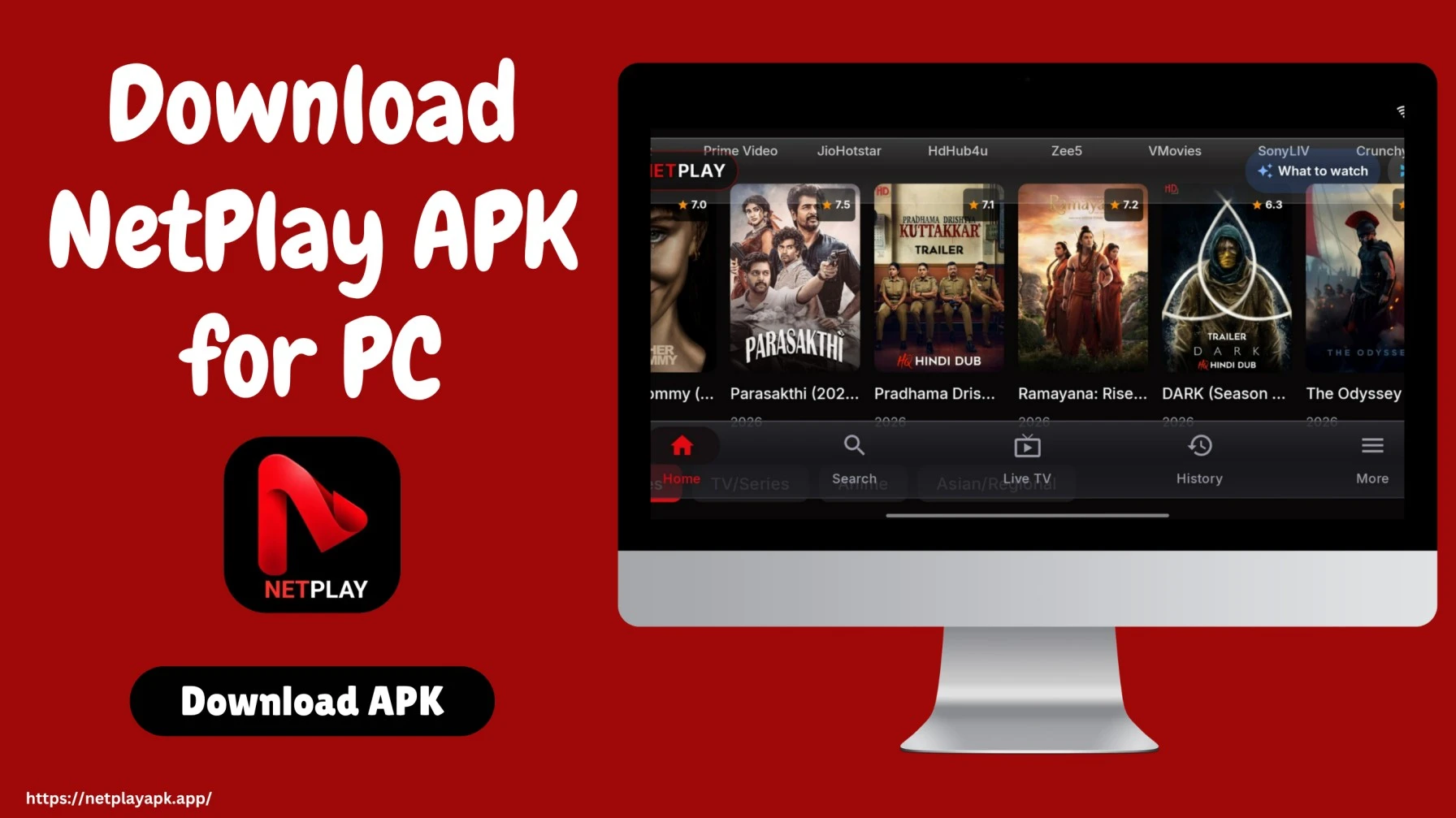
Watching your favourite content on a small mobile screen can often be uncomfortable due to issues like battery drain, frequent notifications, and lag. The NetPlay APK for PC addresses these problems by providing a larger display that offers a full-screen streaming experience, ensuring smooth and uninterrupted viewing.
Additionally, it allows users to multitask without distractions, making it a more convenient option. Instead of relying on a mobile device, the PC version offers a smarter choice for free and flexible entertainment. Simply download an emulator, install the APK, and you’re ready to enjoy your content.
What is NetPlay APK?
NetPlay APK for PC means using the app on a Windows computer or laptop. Many users want to use it on their PC instead of their smartphone so that they can watch on a larger screen, with HD resolution and a better visual experience. But you have to install a reliable emulator that will allow users to enjoy all entertainment content on a bigger screen. It stands out with free OTT content, a smooth interface, and lag-free streaming features that many similar free apps fail to offer.
It brings thousands of movies, television series, and trending anime directly to your computer monitor or laptop screen in crisp and crystal-clear video, including 1080p Full HD and 4K Ultra HD resolution without monthly subscription fees. PC devices also offer users a comfortable experience of watching detailed content, along with a larger screen and easier, better controls.
Key Features of NetPlay APK for PC

Free Streaming
There is no monthly bill, and no extra hidden charges are attached to any part of the app. It provides you with free streaming where you can watch huge amounts of content without paying a subscription fee. You just install it once and use it for as long as you want without paying. You also don’t need any registration.
User-Friendly Navigation
You can use it easily because it features a clean, user-friendly interface. No technical knowledge is required, making it accessible for non-tech-savvy individuals. The friendly interface displays content more clearly on a full-sized monitor, as opposed to straining your eyes on a 6-inch mobile screen. Additionally, it can enhance the excitement of watching entertaining content in real time.

High-Quality Streaming
Unlike many streaming services, this app provides high-quality video streaming, including 1080p, 720p, 480p, and even 2K video resolution sizes. You can easily adjust video quality according to your internet connection. Even in low quality with slow internet speed. Perfect for those users, as they can watch movies with incredible clarity, making the viewing experience immersive.

Huge Library
NetPlay APK has a huge collection of different genres and categories, which includes the latest movies, trending web series, TV shows, anime and more. You don’t need to switch between apps because everything is available in one place in NetPlay APK. However, the content you get is completely well-organised, so you don’t have to waste your time finding the content you want to watch.

Offline Watch
With this app, you can enjoy content offline without needing an active internet connection. You can download your favourite movies, TV shows, and other videos directly to your computer and watch them later at your convenience. This is perfect for travelling, situations with poor signal, or during internet outages.

Regular Updates
NetPlay app developers regularly update the app to improve performance and fix bugs. An outdated app can cause crashes or slowdowns, which can cause problems for users, which is so frustrating. Mainly, new users think the app is the problem, but there are update problems. So always check for updates every few weeks, especially before an important show.
How to Download And Install NetPlay APK for PC
Android Emulator Installation
Download NetPlay APK
Install NetPlay with an Emulator
Start Streaming
Pros and Cons of NetPlay APK
Pros
Cons
Conclusion
To sum up, the NetPlay APK for PC is an excellent option for movie lovers who want to enjoy different categories and genres on a bigger screen. It is made for Android devices, but you can use it on a PC via an emulator like BlueStacks. Make sure to always download from real sources, keep it updated and enjoy all the latest and trending content. Enjoy seamless, buffer-free entertainment on Windows and macOS for free.